Paint Battle

Advertisement

50%

1:30

OPENING

50%

Playaby presents · Splash. Claim. Dominate.

PAINT BATTLE

Turn the arena into your color before the clock runs out. Grab wild power-ups, lock down secure zones, and repaint your rival's territory.

Paint

Claim the floor

Capture

Lock safe zones

Outplay

Steal their turf

Choose rival level

Paint + attack · aim 60–70% · reacts in 300–500ms

Play Next

Snake

Slither, feast, and grow without biting your tail.

Block Drop

Rotate and drop falling blocks to clear glowing lines.
Alien Defense

Blast the descending alien fleet before it lands.

Brick Breaker

Bounce the ball and smash every brick.

Flappy

Tap to fly through the gaps and chase a high score.

Paddle Duel

Classic ball-and-paddle duel against a scaling AI opponent.

Asteroids

Thrust, rotate and blast the drifting space rocks.

Sky Jumper

Bounce up endless platforms without falling.

Road Hopper

Hop across busy traffic to the safe zone.
Devil Trap

41 brutal levels of trick platforming — you will never see it coming.
Simon Says

Repeat the growing color sequence from memory.
Whack-a-Mole

Smash the glowing moles before they duck away.
Reaction Time

Test your reflexes — click the instant it turns violet.
REDBLUE

Color Match

Beat the Stroop effect — match ink, not the word.
Bounce Trouble

Auto-bounce through 50 trap-filled stages across 10 worlds that lie, flip, and crumble beneath you.
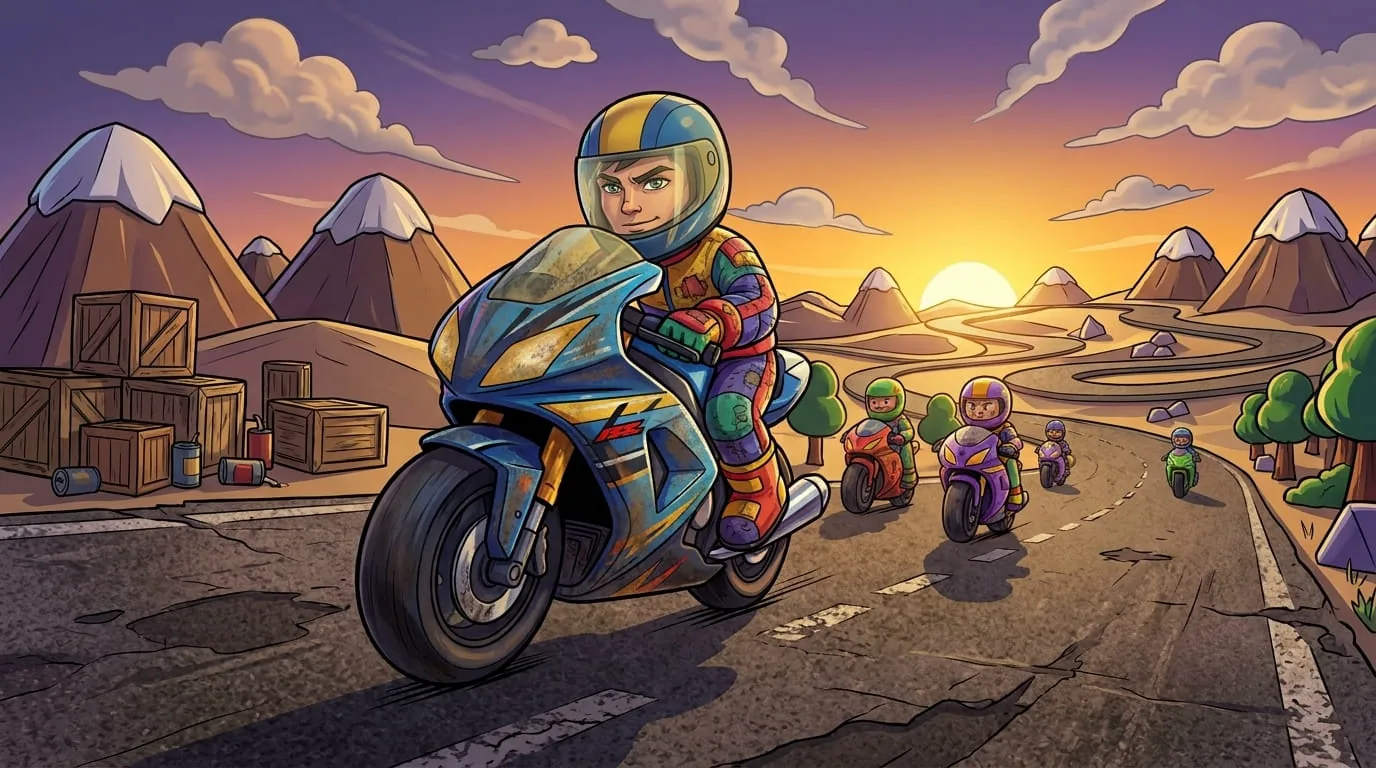
Bike Race Championship

Race 4 rival bikers across a 5-lane track and cross the line first, on any of 4 maps.

Hill Climb 3D

Gas, brake, and lean your way over an endless run of rolling hills.

2048
24816

2048

Merge matching tiles to reach the elusive 2048.

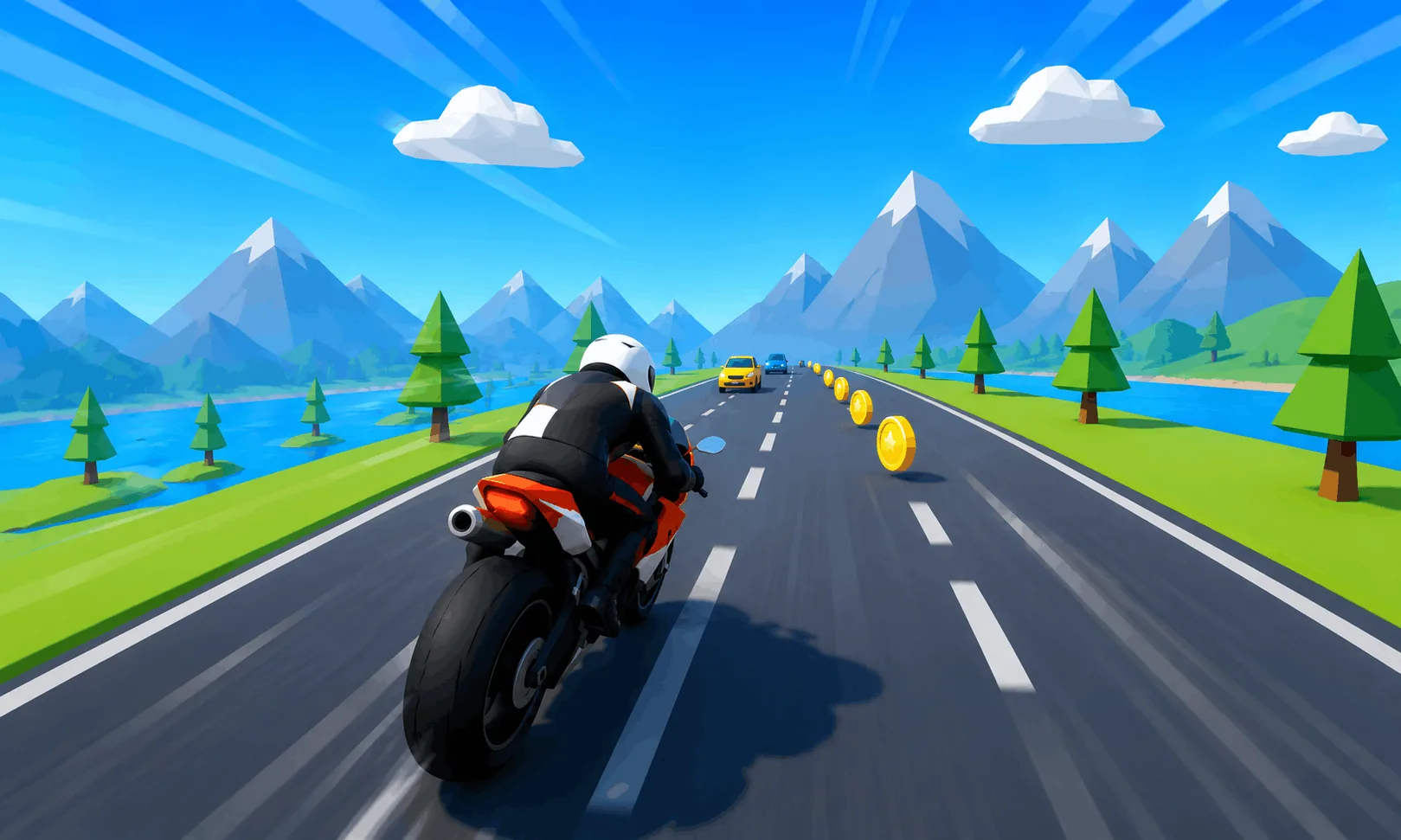
Bike Race 3D

Weave through traffic on a neon highway and see how far you can ride.

7+24W

Color Cards

Match colors and numbers to empty your hand first vs 3 CPUs.
53819

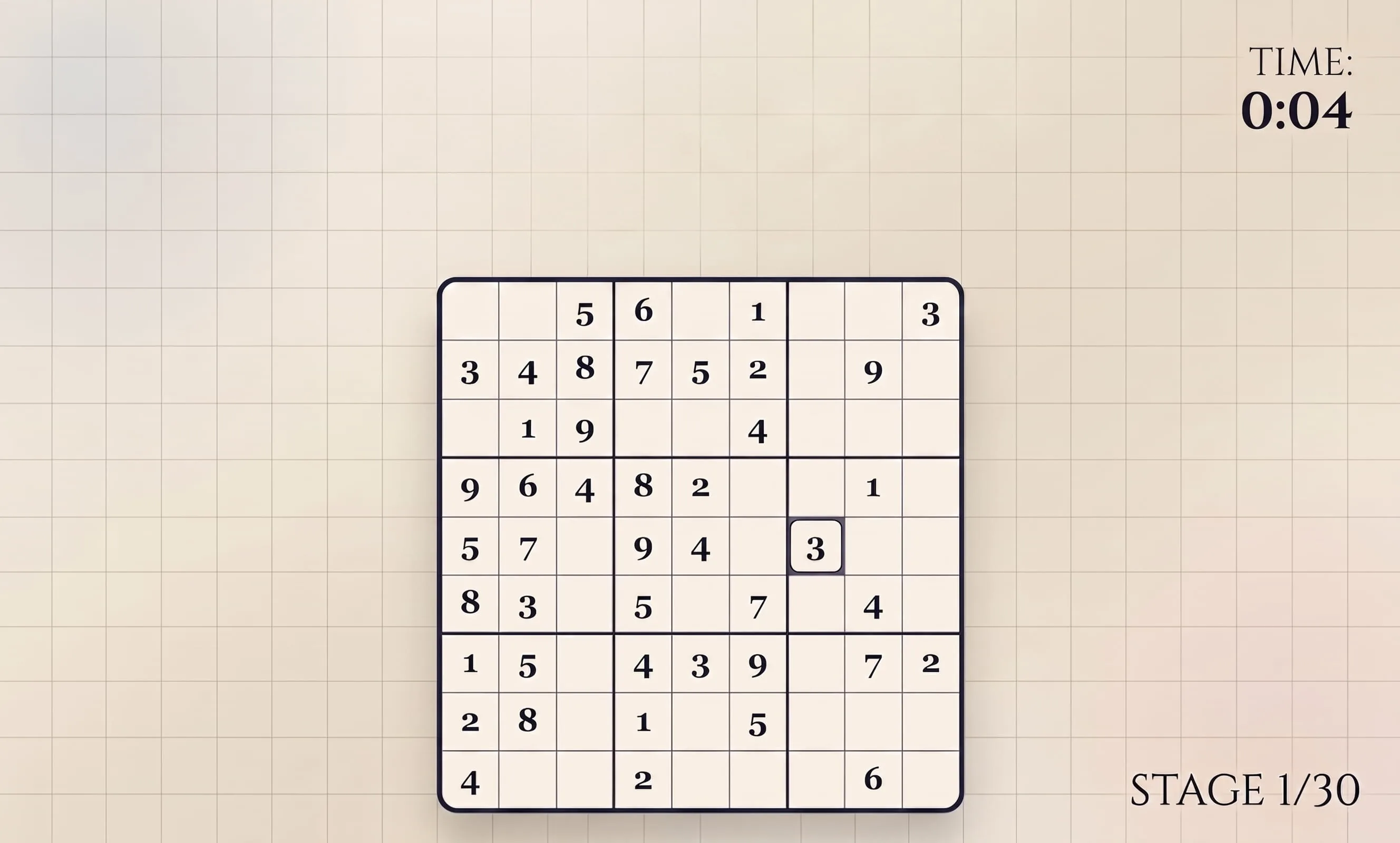
Sudoku

Fill the grid so every row, column and box holds 1–9.

PIXEL
ARENA

Word Guess

Crack the hidden 5-letter word in six tries.

12312

Minesweeper

Clear the field without detonating a single mine.

??

Memory Match

Flip cards and pair every symbol in the fewest moves.

AK

Blackjack

Hit or stand to beat the dealer to 21.

XOXXOO

Tic Tac Toe

Take on an unbeatable AI or a friend on the couch.
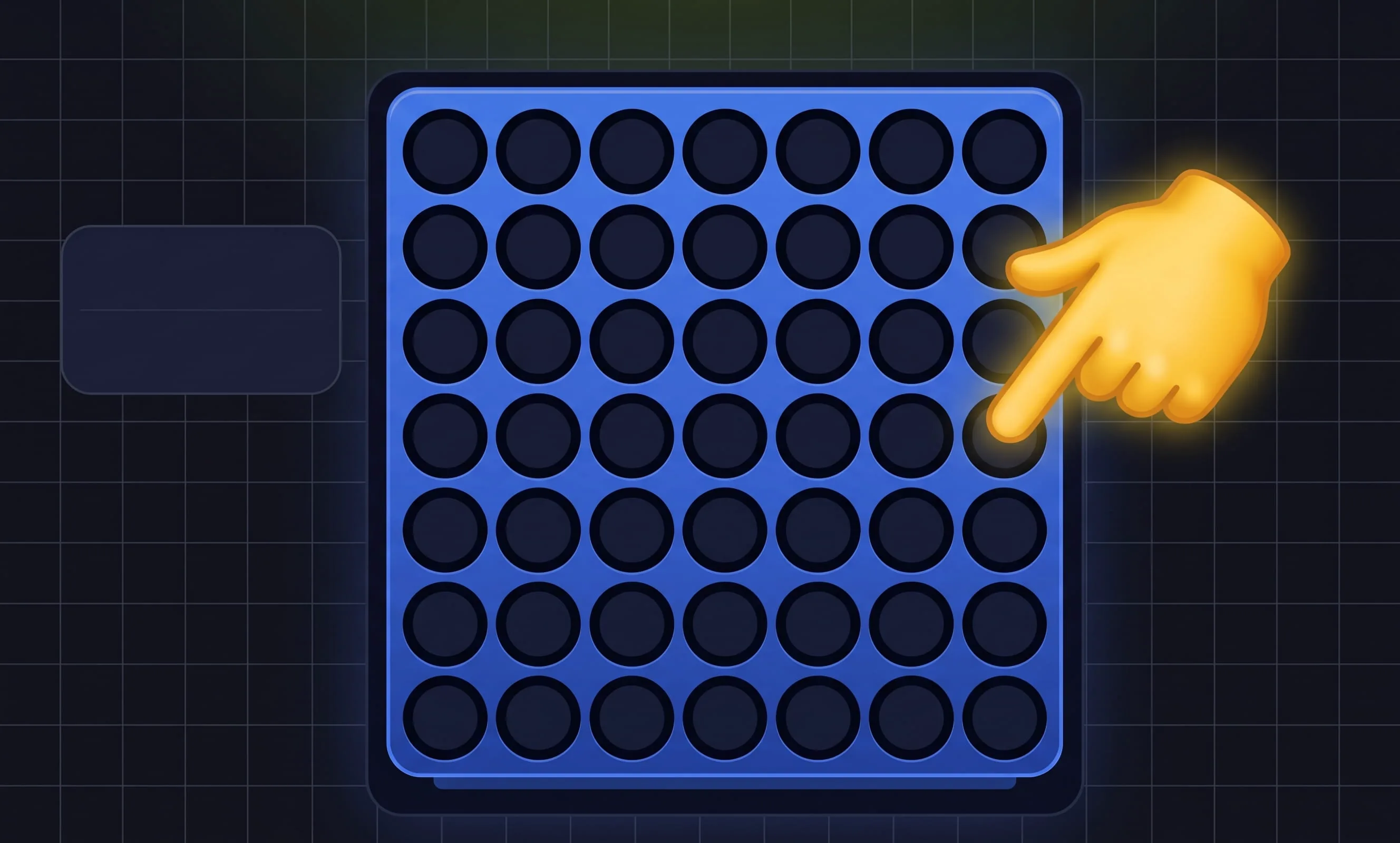
Connect Four

Line up four discs before the CPU beats you to it.

Checkers

Outmaneuver a minimax CPU with Classic or International rules, in 2D or 3D.
Tower Stack 3D

Drop blocks and build the tallest tower you can.

Maze Runner

Navigate a fresh procedural maze to the exit.

P_X_L

Hangman

Guess the hidden word one letter at a time.

12345678

15 Puzzle

Slide the tiles back into numerical order.

J♥

Chip Line

Play a card, place a chip, and line up 5 in a row to win.
vs

Rock Paper Scissors

Best the CPU in the timeless hand duel.
Dots & Boxes

Claim more boxes than the CPU on a 4×4 grid.
Lights Out

Toggle tiles until every light is switched off.
type

Typing Test

Measure your words-per-minute and accuracy.
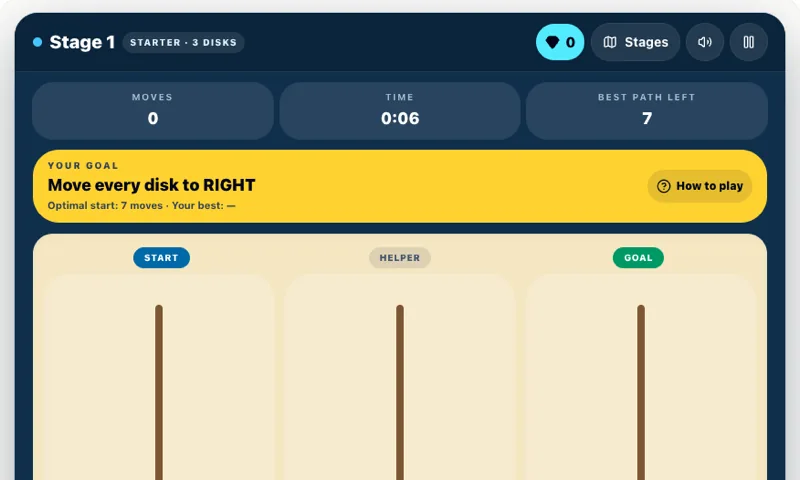
Tower of Hanoi

Move the stacked tower in the fewest moves.
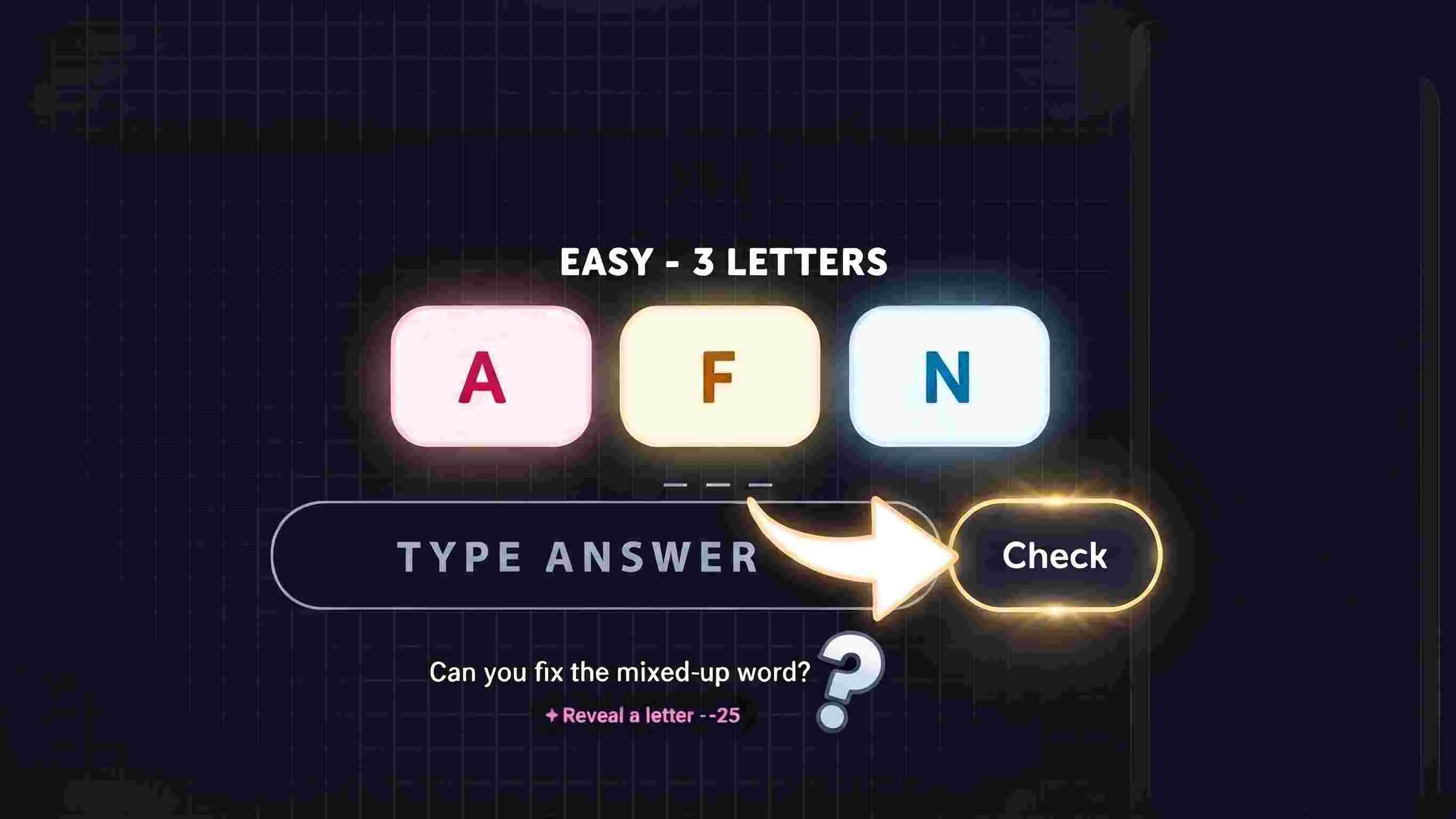
WROD

Word Scramble

Unscramble the jumbled letters against the clock.

7
?

Higher or Lower

Guess if the next card beats the last and build a streak.
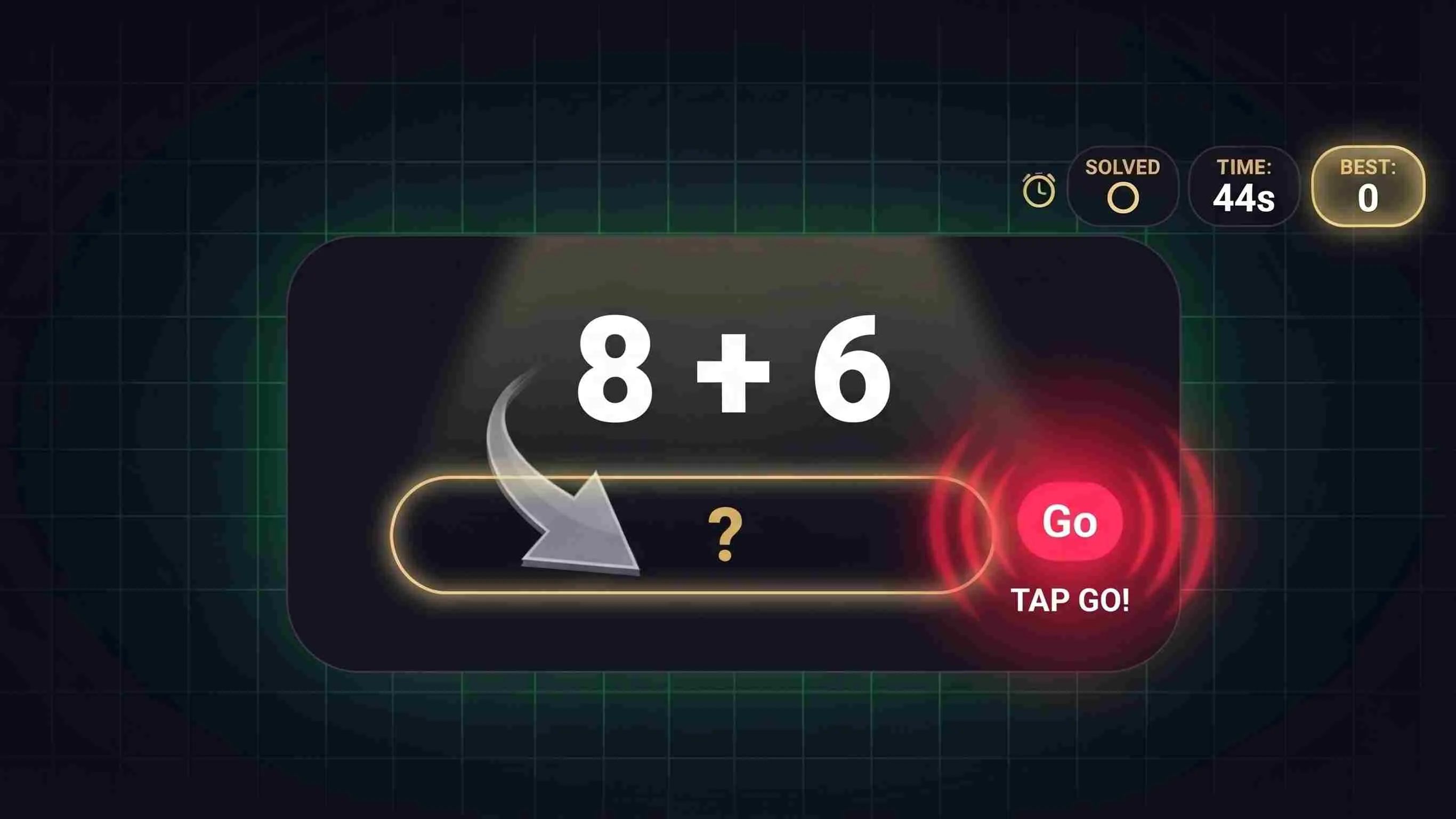
7 × 8 0:45

Math Blitz

Solve as many quick problems as you can in 45s.
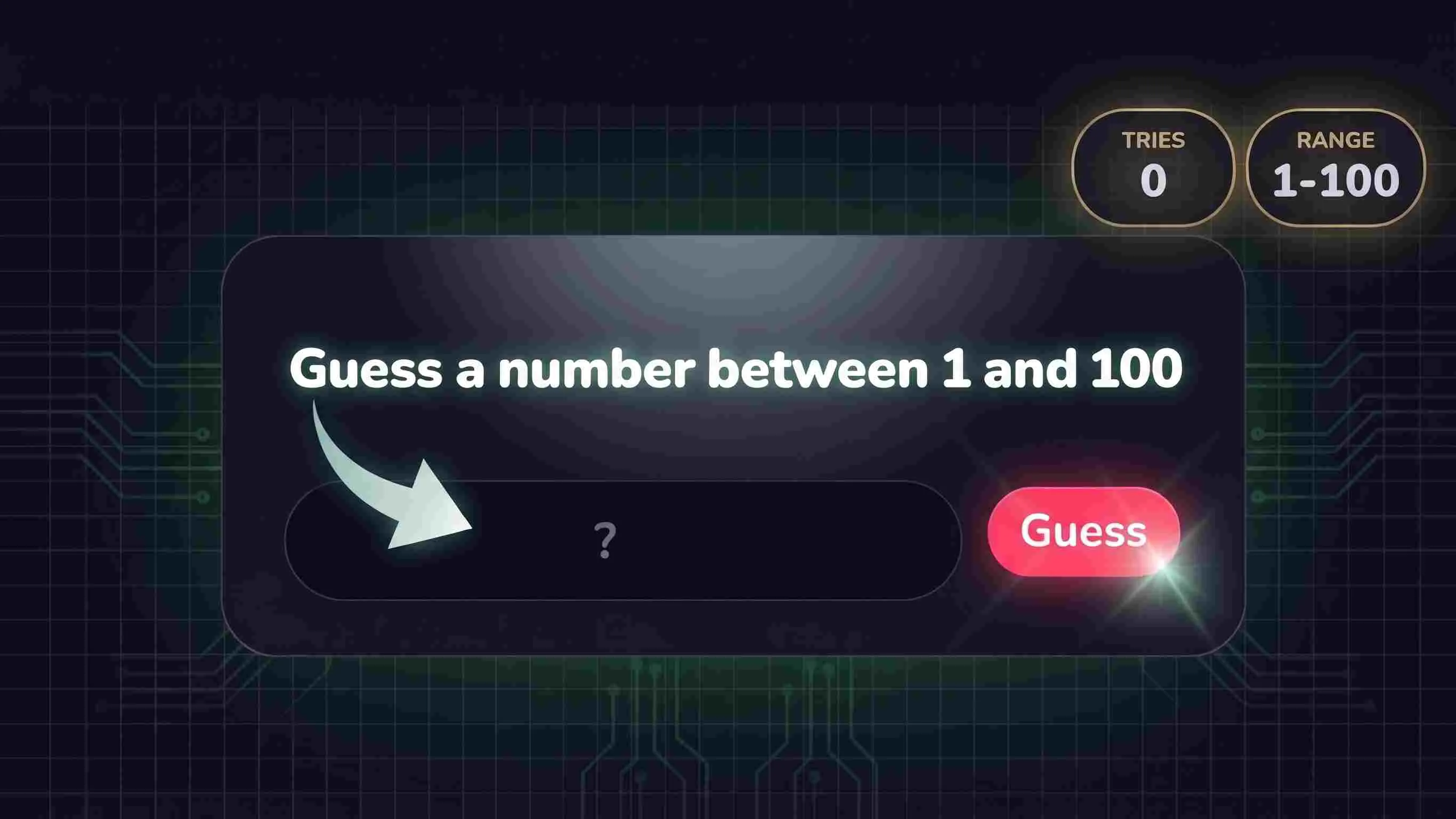
> 42< 78

Number Guess

Home in on the secret number with smart hints.
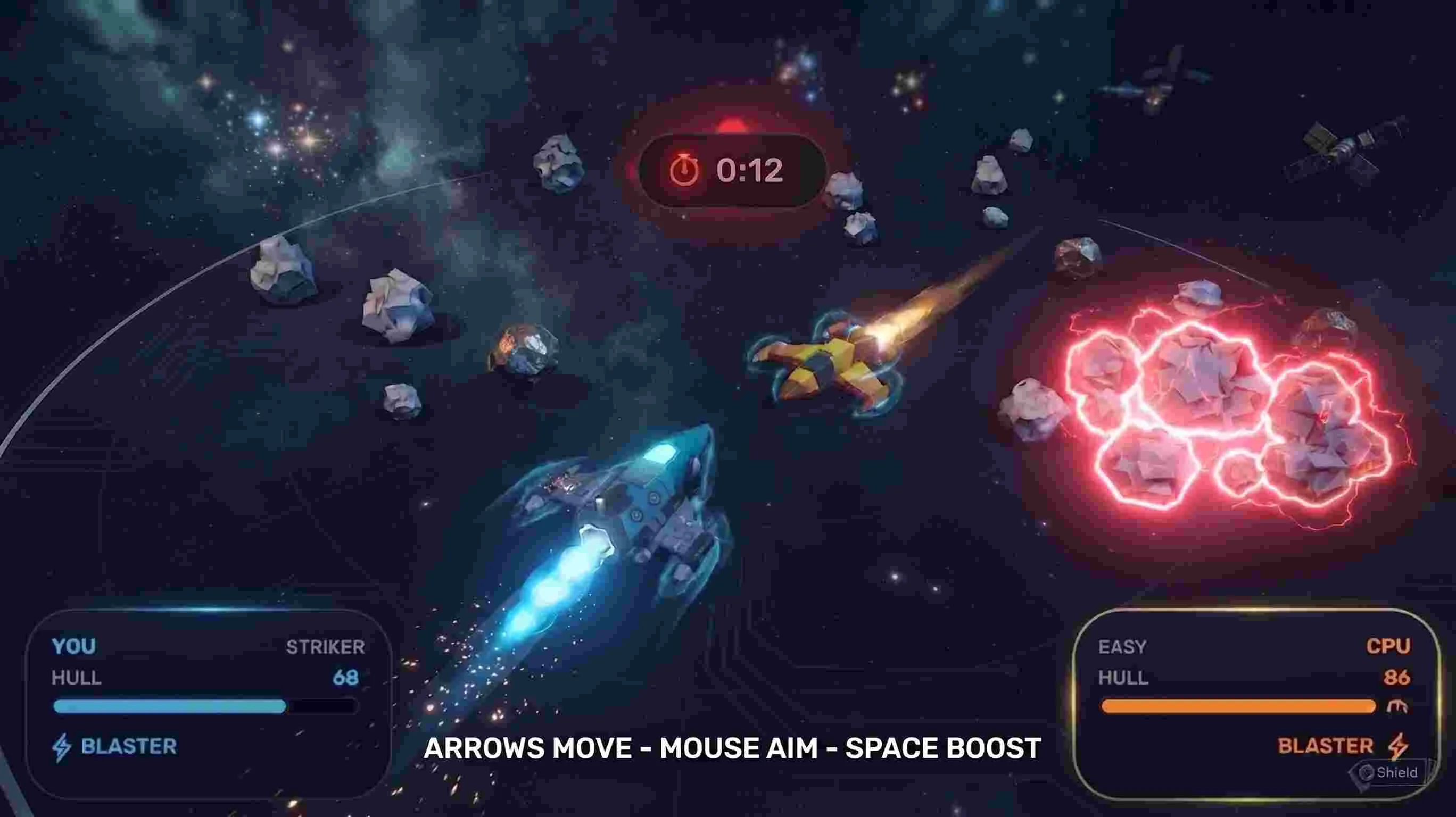
Rocket Knockout

Blast, ram and ring out the other rocket in a tiny asteroid arena.
Enjoying Paint Battle?

Send it to a friend or drop it in your group chat.

Share

Enjoying this game?

About Paint Battle

Paint Battle is a free arcade games game you can play online instantly at Playaby — no downloads, no installs, and no sign-up. Spray territory, dodge your rival, and hold the highest paint percentage when the 90-second clock runs out. Spray more of the arena in your color than the CPU before the 90-second clock runs out — territory percentage decides the winner, not kills.

Paint Battle doesn't really have a direct match anywhere else in the free browser-game space — it fuses the territory-painting win condition that made Splatoon-style games their own genre with the second-to-second feel of a real arena shooter, and layers a tunable AI opponent with independent difficulty and personality settings on top of that instead of the usual single fixed CPU. The match clock runs for a fixed 90 seconds, and whoever owns the higher percentage of the grid when it hits zero wins, full stop — eliminations, hits, and captured zones all add score on the HUD for flavor, but none of it decides the outcome. A player who never lands a single hit but methodically re-paints more of the arena than their rival still takes the win, which is a deliberately different tension from a normal shootout. The territory itself is tracked on a real 90x50 cell grid, not a rough visual approximation, so the percentage shown is always an exact count of owned cells divided by the total paintable area.

Painting rewards sustained, moving aggression over camping one spot: converting a tile you don't already own builds a combo counter that climbs through x2 at 5 tiles, x3 at 15, x4 at 30, and a full PAINT FRENZY multiplier at 50 — but a single hit from your rival resets it instantly back to zero, so the highest-value play is also the riskiest one. Five power-ups spawn on rotating timers around the map: Speed Boost and Rapid Fire are straightforward tempo tools, Paint Bomb and Paint Burst instantly convert a chunk of the arena around you on pickup, and Paint Shield does something more unusual — it doesn't protect your health at all, it protects your already-painted territory from being overwritten by the opponent for several seconds, turning defense into an active choice rather than a passive stat. The two glowing power zones work like a real capture point instead of a simple walk-over trigger: you have to hold your ground inside one for a 1.25-second channel before it flips to your color for a flat +10, so a contested zone genuinely rewards standing and fighting rather than just tagging it and running. Two mechanics exist specifically to keep a lopsided match from feeling decided early: whoever is down more than 14 points in the final 30 seconds gets a 22% faster ammo regen to help force a comeback, and if the clock would otherwise expire within a 3% territory margin, the match doesn't end in an anticlimactic near-tie — it triggers a single 15-second sudden-death overtime instead. The opponent isn't a single fixed difficulty either — picking Easy through Expert sets its aim accuracy and reaction speed to the same numbers you'd find written into a real game-design doc, and every match randomly assigns one of four behavioral personalities (Aggressive, Tactical, Defensive, or Chaotic) on top of that, so an Expert-Chaotic bot plays nothing like an Expert-Defensive one even at identical skill. The last 30 seconds spawn power-ups on a shorter timer, the HUD's own phase label visibly ticks through Opening, Clash, Final Rush, and — if it triggers — Overtime, all matching the original design intent that a match should visibly ratchet up in urgency rather than end on the same calm note it started.

How to Play Paint Battle

Objective

Spray more of the arena in your color than the CPU before the 90-second clock runs out — territory percentage decides the winner, not kills.

  • WASD or arrow keys to move, mouse to aim, click or Space to fire your paint spray
  • Painting a tile you don’t already own builds a combo — 5 tiles for x2, 15 for x3, 30 for x4, and 50 for PAINT FRENZY; getting hit resets it
  • Grab the 5 power-ups that spawn around the arena: Speed Boost, Rapid Fire, Paint Bomb, Paint Shield (protects your territory from being overwritten), and Paint Burst
  • Stand in either glowing power zone to capture it for a flat +10
  • Taking enough damage eliminates you for a couple of seconds before you respawn with brief invulnerability
  • Power-ups spawn faster once the clock drops under 30 seconds — expect a chaotic final push

Desktop Controls

  • WASD or arrow keys to move — movement is a normalized vector, so moving diagonally is no faster than moving in a straight line
  • Move the mouse anywhere over the canvas to aim — your paint nozzle continuously tracks the cursor position relative to your fighter, independent of which way you happen to be moving
  • Left-click and hold anywhere on the canvas, or hold Space bar, to fire a continuous paint spray in a cone toward your aim direction — either input works and they can be used interchangeably mid-match
  • Firing drains a visible paint (ammo) tank that regenerates on its own the moment you release fire — there is no manual reload, just stop spraying and it refills
  • Walking into a power-up pickup or either glowing power zone applies its effect or captures it automatically — there is no separate pickup key to press
  • Click the pause icon in the top bar to freeze the match clock mid-round; resume or exit back to the difficulty-select menu from the pause screen

Mobile Controls

  • Left joystick (below the canvas) moves your fighter in any direction, exactly like WASD on desktop
  • Right joystick aims your paint nozzle and fires automatically for as long as it is held away from center — there is no separate fire button to hold on touch
  • Releasing the right joystick back to center stops firing immediately and lets your paint tank start regenerating
  • Power-ups and power zones are still picked up just by touching them with your fighter — no tap-to-activate step is needed on mobile either
  • The pause icon in the top bar works identically to desktop for freezing and exiting a match

Tips for Paint Battle

  • The win condition only cares about final territory percentage, not score — a run that dodges every fight and just keeps sweeping new ground can beat an aggressive rival who racks up eliminations but keeps standing still to shoot.
  • Combo only grows on cells you don't already own, so re-spraying ground you've already painted does nothing for your multiplier — keep moving toward fresh territory instead of holding position and firing at the same patch.
  • A single hit resets your combo to zero regardless of how high it was, so treat a 30+ tile combo as fragile — break contact and reposition the moment your rival gets a clean line on you rather than trading hits to protect it.
  • Paint Shield does nothing for your health in a fight — save it for right after you take a big chunk of territory, so your rival can't simply walk over and repaint it back while you're busy elsewhere.
  • Power zones need a 1.25-second capture channel, not a quick tag — walking through one your rival is actively standing in won't flip it, so either commit to holding your ground and fighting for it, or leave it and find one that's actually unguarded.
  • Power-ups spawn faster once the clock drops under 30 seconds, so the last third of a match is the best window to fight over Speed Boost and Rapid Fire rather than the opening seconds when they're scarcer.
  • Cover blocks stop paint the same way they block your rival's — use them to break line of sight after a big push instead of retreating into open ground where you're an easy target while your ammo tank regenerates.
  • If you're down by more than 14 points with under 30 seconds left, your ammo regenerates 22% faster — that's a real comeback tool, not just flavor text, so keep firing and repainting instead of playing it safe once you're clearly behind.
  • A near-tied match (within 3% territory) doesn't just end — it triggers a single 15-second sudden-death overtime, so don't assume a close scoreline at 0:00 is automatically final; keep contesting territory right up to the buzzer.

Paint Battle — Frequently Asked Questions

How do you play Paint Battle?

Spray more of the arena in your color than the CPU before the 90-second clock runs out — territory percentage decides the winner, not kills. WASD or arrow keys to move, mouse to aim, click or Space to fire your paint spray.

Is Paint Battle free to play?

Yes — Paint Battle is completely free to play on Playaby, with no downloads, no account, and no in-game purchases.

Can I play Paint Battle on my phone or tablet?

Yes. Paint Battle runs directly in your browser, so it works on desktop, phone, and tablet with touch controls built in — there's nothing to install and no extra permissions needed.

What are the controls for Paint Battle?

WASD or arrow keys to move, mouse to aim, click or Space to fire your paint spray. Painting a tile you don’t already own builds a combo — 5 tiles for x2, 15 for x3, 30 for x4, and 50 for PAINT FRENZY; getting hit resets it. Grab the 5 power-ups that spawn around the arena: Speed Boost, Rapid Fire, Paint Bomb, Paint Shield (protects your territory from being overwritten), and Paint Burst. Stand in either glowing power zone to capture it for a flat +10. Taking enough damage eliminates you for a couple of seconds before you respawn with brief invulnerability. Power-ups spawn faster once the clock drops under 30 seconds — expect a chaotic final push.

Where can I find more arcade games like Paint Battle?

Playaby has a full page of free arcade games you can browse and jump straight into — no downloads required for any of them.

How do you actually win a match of Paint Battle?

By owning the higher percentage of the arena when the 90-second clock hits zero — not by scoring the most points or getting the most eliminations. Hits, kills, and captured zones still add to a live score for flavor, but the win/lose result only ever looks at final territory percentage.

What does Paint Shield actually do?

It protects your already-painted territory, not your health. While it's active, your rival's spray can't overwrite cells you already own, but it does nothing to reduce the damage you take in a direct fight — think of it as a defensive tool for your paint, not your fighter.

How does the combo multiplier work, and why does it keep resetting?

Every new cell you convert (not a cell you already own) adds to a running combo count — 5 tiles for x2, 15 for x3, 30 for x4, and 50 tiles triggers PAINT FRENZY. Taking a single hit from your rival resets that count straight back to zero, so the multiplier rewards sustained, careful movement over standing still and holding fire.

What's the difference between the AI difficulty and the AI personality in Paint Battle?

Difficulty (Easy through Expert) controls the bot's raw aim accuracy and reaction speed. Personality (Aggressive, Tactical, Defensive, or Chaotic) controls what it prioritizes — chasing you down, painting territory, grabbing power-ups, or retreating. Every match randomly assigns a personality on top of whatever difficulty you picked, so the matchup never plays out quite the same way twice.

Can I play Paint Battle with a friend instead of the CPU?

Not yet — this build is solo vs. the AI only. Mouse-aim controls made single-player feel right, but they don't split cleanly across one keyboard for local 2-player the way a fully keyboard-driven control scheme would.

What happens if a match in Paint Battle ends in a near-tie?

It doesn't just end there. If the clock hits zero with the territory split within a 3% margin, the match triggers a single 15-second sudden-death overtime instead of settling for an anticlimactic near-tie — whoever holds the higher percentage when that extra 15 seconds runs out wins outright.

Is there a comeback mechanic in Paint Battle, or can one good opening lock in the win?

There's a deliberate comeback assist: if you're down by more than 14 percentage points of territory with 30 seconds or less left on the clock, your paint tank regenerates 22% faster. It won't hand you the match, but it's a real mechanical edge for closing the gap late rather than just cosmetic encouragement.

Every Type in Paint Battle (4)

  • Easy — Basic Painting
  • Normal — Paint + Attack
  • Hard — Territory Focused
  • Expert — Adaptive Tactics