

Online Multiplayer Is Here: Play Color Cards, Checkers, Tic-Tac-Toe, Dots & Boxes, and Chip Line With a Friend
Written by the Playaby team. We build every game on this site ourselves and play through each one while writing its guide, so the tips above come from actually testing the mechanics — not generic advice.
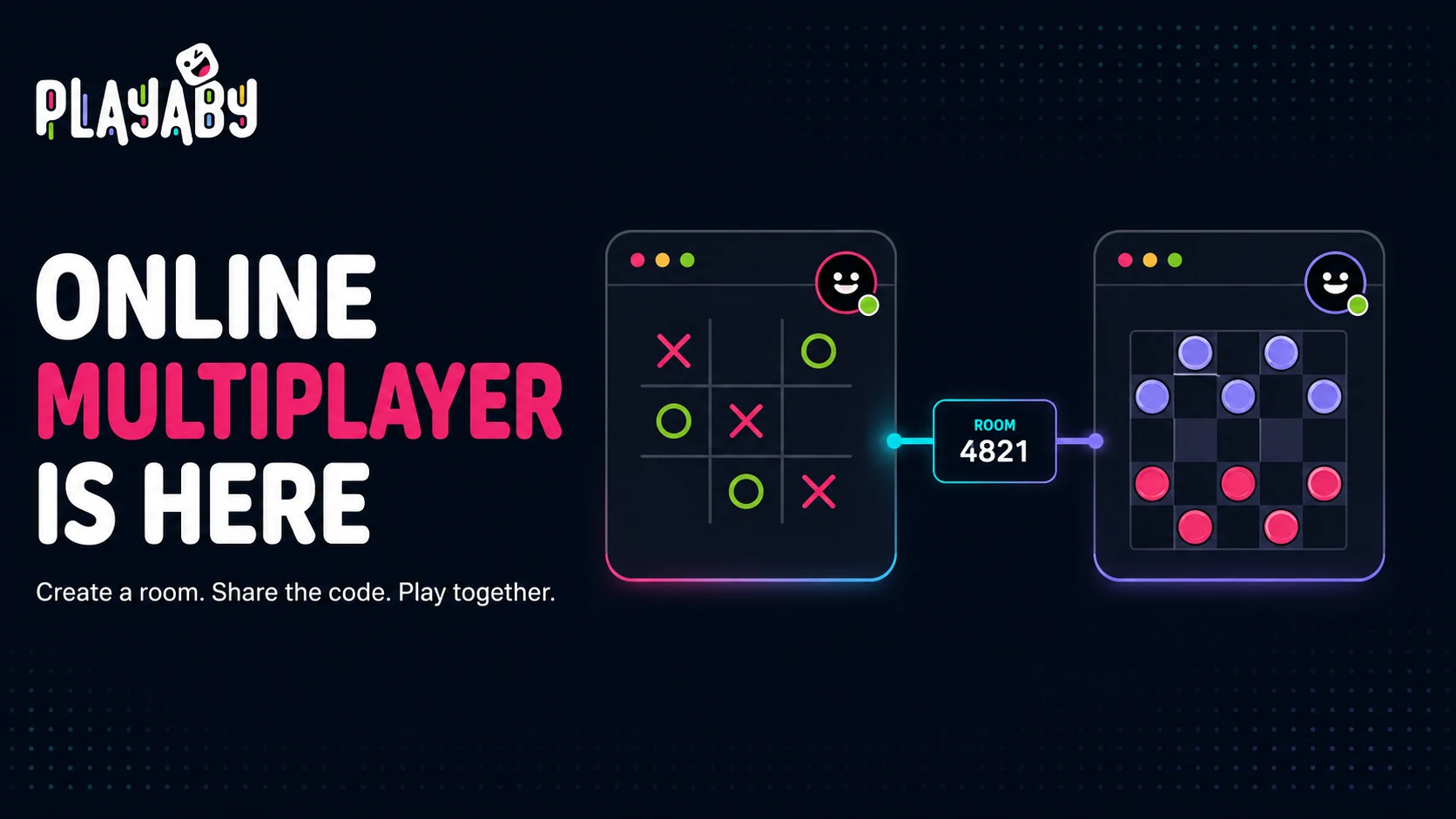
Online rooms let you invite a friend on another device. Create a room, share its link or code and wait for the friend to join. Quick Match, where offered, prepares a computer opponent.
| Game | Players per room |
|---|---|
| Tic-Tac-Toe | 2 (head-to-head) |
| Dots & Boxes | 2 (head-to-head) |
| Checkers | 2 (head-to-head) |
| Chip Line | 2 or 3 |
| Color Cards | 2 to 6 |
Beyond the headcounts, a few other things shipped alongside it. You can create a room and get a short code, or skip reading a code out loud entirely and just send a one-tap invite link. Mid-match, you can fire off live emoji reactions so a good move — or a brutal one — doesn't go unanswered. And it all runs on the exact same "click and play" model as everything else on the site: no account, no app, no download.
- Open any of the five games above and choose "Online" from the mode selector.
- Type in your name — it’s just for display during the match, nothing is saved to an account.
- Click "Create Room" to get a short code, or type a friend’s code into "Join Room."
- Share the code any way you’d normally send a message, or click "Share link" to send something they can open with one tap.
- Once your friend joins, the match starts automatically — no extra "ready up" step.
Do I need an account, and does it cost anything?
No, on both counts. Playaby has never had accounts or logins for any game, and online multiplayer doesn't change that — a room exists purely because of its code, so there's no profile, no friends list, and no email address anywhere in the flow. It's also completely free: no premium tier gating multiplayer, no per-match cost, and no limit on how many rooms you create. Same free, ad-supported model as everything else on the site.
How many players can actually join a room?
It depends on the game, as above: Tic-Tac-Toe, Dots & Boxes, and Checkers are strictly head-to-head at 2, Chip Line follows its own rules and allows 2 or 3, and Color Cards is the most flexible — pick anywhere from 2 up to 6 when you create the room, with players filling seats as they join. If every seat is already taken by the time someone tries to join, they're told that directly rather than the game just failing silently on them.
What should I check if a room will not connect?
Check the current room code, open the same game on both devices and keep the host’s page open. Internet rooms do not require both devices to use the same network. A connection failure can interrupt a match. You can return to CPU play; local two-player is available only in games that explicitly offer it.
Why these five games first, instead of everything at once
Building real-time multiplayer isn't something that scales cleanly across every game on the site at the same time, so the first five were picked deliberately rather than just being whatever shipped fastest. Tic-Tac-Toe, Dots & Boxes, and Checkers are all strictly turn-based with a small, fully deterministic board state, which makes keeping two devices in sync relatively straightforward — there's no timing-sensitive physics or continuous motion that needs to stay perfectly matched between two different connections. Chip Line and Color Cards added a genuinely harder problem on top of that: hidden information. Neither game can simply mirror the same board state to every device the way the three turn-based games do, since your hand of cards has to stay invisible to everyone else at the table while still updating correctly the instant you play from it. Getting that hidden-state layer right, without ever leaking a card to the wrong screen, took longer than the visible board-syncing logic did for the other three combined.
Reaction-based and physics-heavy games — think Paddle Duel or Rocket Knockout — weren't included in this first wave for a related but different reason: continuous, fast-moving state is a much harder thing to keep perfectly synchronized in real time across two separate internet connections than a turn that only changes once every few seconds. That's not a permanent no, just a genuinely different and harder engineering problem than the five games that shipped here, and one worth solving properly rather than shipping half-working.
Pick any of the five games, choose Online, and send a friend the code. The whole point of building this without accounts or downloads was to make starting a match take less time than explaining the rules.