Playaby Is Now Live in 8 Languages, Including Arabic and Chinese
Written by the Playaby team. We build every game on this site ourselves and play through each one while writing its guide, so the tips above come from actually testing the mechanics — not generic advice.
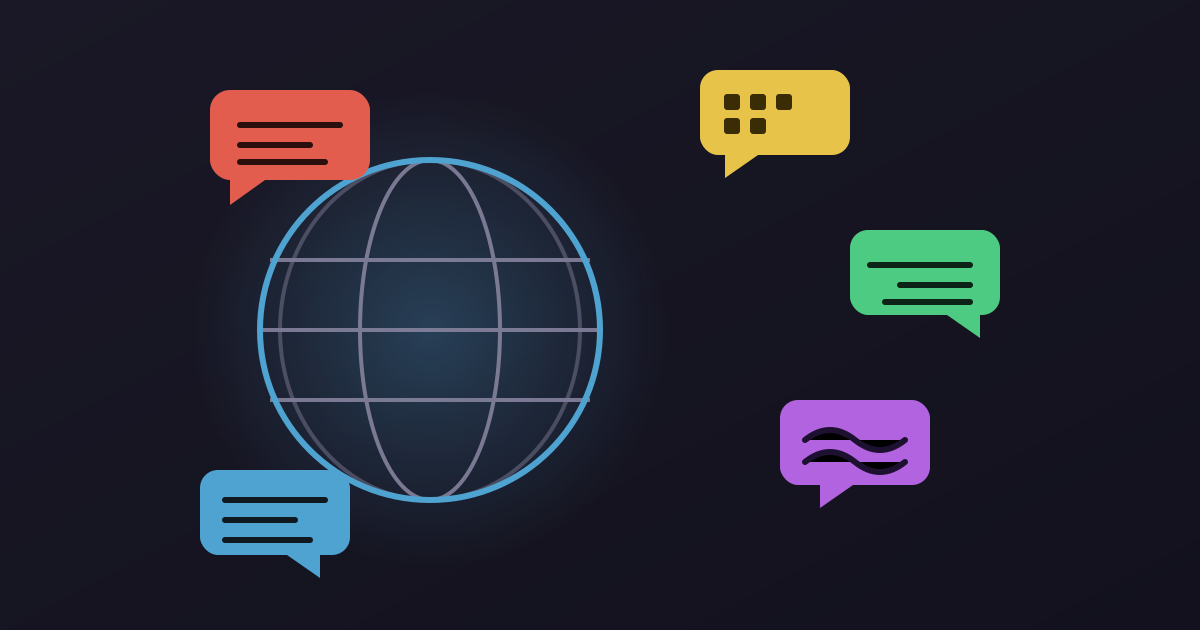
Playaby now runs in eight languages, and the two newest additions, Chinese and Arabic, are the ones that actually round the set out into something genuinely global instead of just the usual cluster of Western European options.
- English (default)
- Spanish
- French
- German
- Portuguese (Brazilian)
- Japanese
- Chinese (Simplified)
- Arabic (right-to-left)
Two of those picks needed a specific call rather than a generic one. Portuguese targets Brazilian usage rather than European, since Brazil accounts for a dramatically larger population of Portuguese speakers actively searching for and playing browser games. Chinese targets Simplified rather than Traditional, since Simplified is standard in mainland China, by far the largest Chinese-reading market for casual browser games. Traditional Chinese and European Portuguese are both real markets, just not the bigger one.
That RTL work was the harder half of adding Arabic: navigation, buttons, icons, and reading flow all had to flip, not just the words, or the page reads as broken even with a perfect translation. The site now sets its layout direction automatically based on the selected language. Everything else about how translation is rolled out is more incremental. The interface itself, navigation, buttons, headings, game instructions, is fully translated across all eight languages already. Blog posts get translated over time instead of all at once, and anything not yet translated falls back cleanly to the English version rather than showing a broken or half-empty page. Each language also gets its own real URL path rather than just toggling what's on screen, so a translated page is indexable and shareable on its own, which matters for anyone finding the site through a search engine in their own language.
The language switch remembers your choice too, so it stays picked for next time instead of resetting every visit. Eight isn't a final number either, there's no fixed list of what's next, but the site was built so adding another language is a translation job rather than an engineering one. If English isn't your first language, it's worth switching. Between eight options, there's now a real chance the site reads the way it was meant to.
Why translation rolls out unevenly across the site
Not every corner of the site got translated at the exact same pace, and that was a deliberate tradeoff rather than an oversight. The core interface — navigation, buttons, headings, and every game's how-to-play instructions — was treated as the priority, since that's what someone touches within seconds of landing on any page in any language. Blog posts, by contrast, roll out translation over time rather than all eight languages arriving simultaneously with every new post, and any post that hasn't been translated yet for a given language falls back cleanly to English rather than showing a broken or half-empty page. That fallback logic matters more than it sounds like it should: a partial rollout that silently fails on missing content reads as a bug, while one that gracefully falls back just reads as English content sitting next to translated content, which is a much smaller ask of a visitor.
What actually goes into supporting a right-to-left language
Arabic support ended up being a much bigger job than swapping in translated strings, because right-to-left isn't just Arabic script rendered in place of Latin characters — it flips the entire spatial logic of the page. A back button that points left in every other language needs to point right in Arabic, since 'back' in a right-to-left reading flow moves toward the right edge of the screen. Icons that imply direction, like a forward arrow on a carousel or a chevron next to a dropdown, need their own mirrored versions rather than just being repositioned. Even something as small as which side a notification badge sits on, or which edge a sidebar slides in from, had to be re-checked one at a time, because a UI element that reads naturally in a left-to-right layout can look genuinely backwards once the rest of the page has flipped around it.
The payoff for getting that right is that Arabic doesn't feel like an afterthought bolted onto a Western-built layout — it feels like the site was built for a right-to-left reader from the start, because for that one CSS property, it effectively was. That distinction matters more for trust than most visual details do: a translated page that still reads left-to-right underneath, with buttons and icons in the wrong spot, signals a rushed job even if every word of the translation itself is perfect.