

Devil Trap Controls: Keyboard and Touch
Written by the Playaby team. We build every game on this site ourselves and play through each one while writing its guide, so the tips above come from actually testing the mechanics — not generic advice.
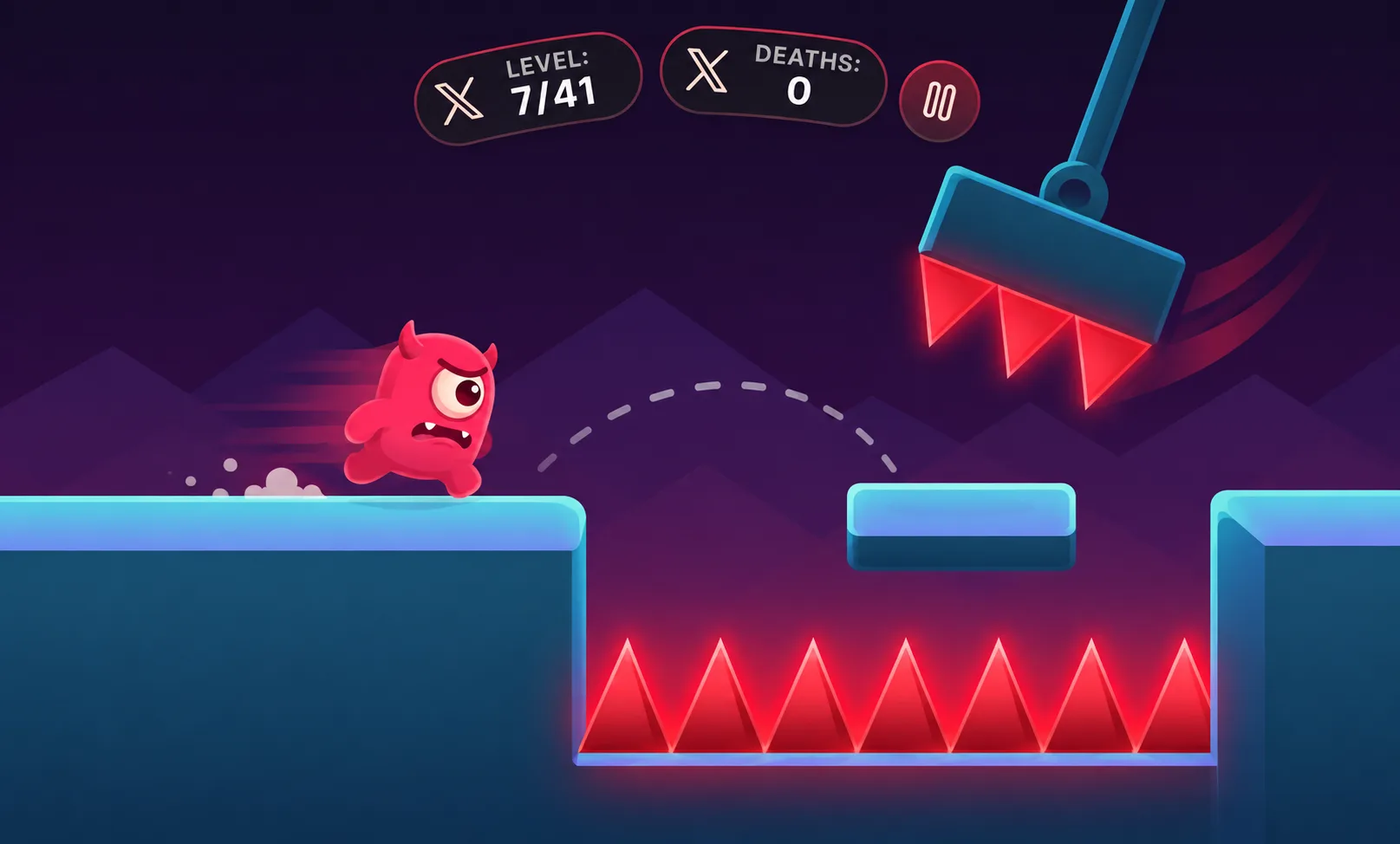
On a keyboard, Left and Right move the character; Up or Space jumps when grounded. Holding a direction continues movement, so releasing it is part of controlling your landing. Start on a safe stretch: move a little, release, jump, and observe where you land before attempting a gap.
On touch screens, hold the on-screen left or right button and press Jump. You can combine a direction with the jump button. Keep the controls visible; if the screen feels cramped, try rotating the device before beginning a difficult sequence. The guide page is translated, although some in-game labels remain English.
A jump request in mid-air does not create a second jump. If a jump seems ignored, check whether you had landed rather than tapping faster. After a death, replay the opening movement deliberately; repeated hurried taps make it harder to identify the input that caused the failure.