

O Multiplayer Online Chegou: Jogue Color Cards, Checkers, Tic-Tac-Toe, Dots & Boxes e Chip Line Com um Amigo
Escrito pela equipe do Playaby. Nós mesmos criamos cada jogo deste site e jogamos cada um deles enquanto escrevemos o guia, então as dicas acima vêm de testes reais das mecânicas — não de conselhos genéricos.
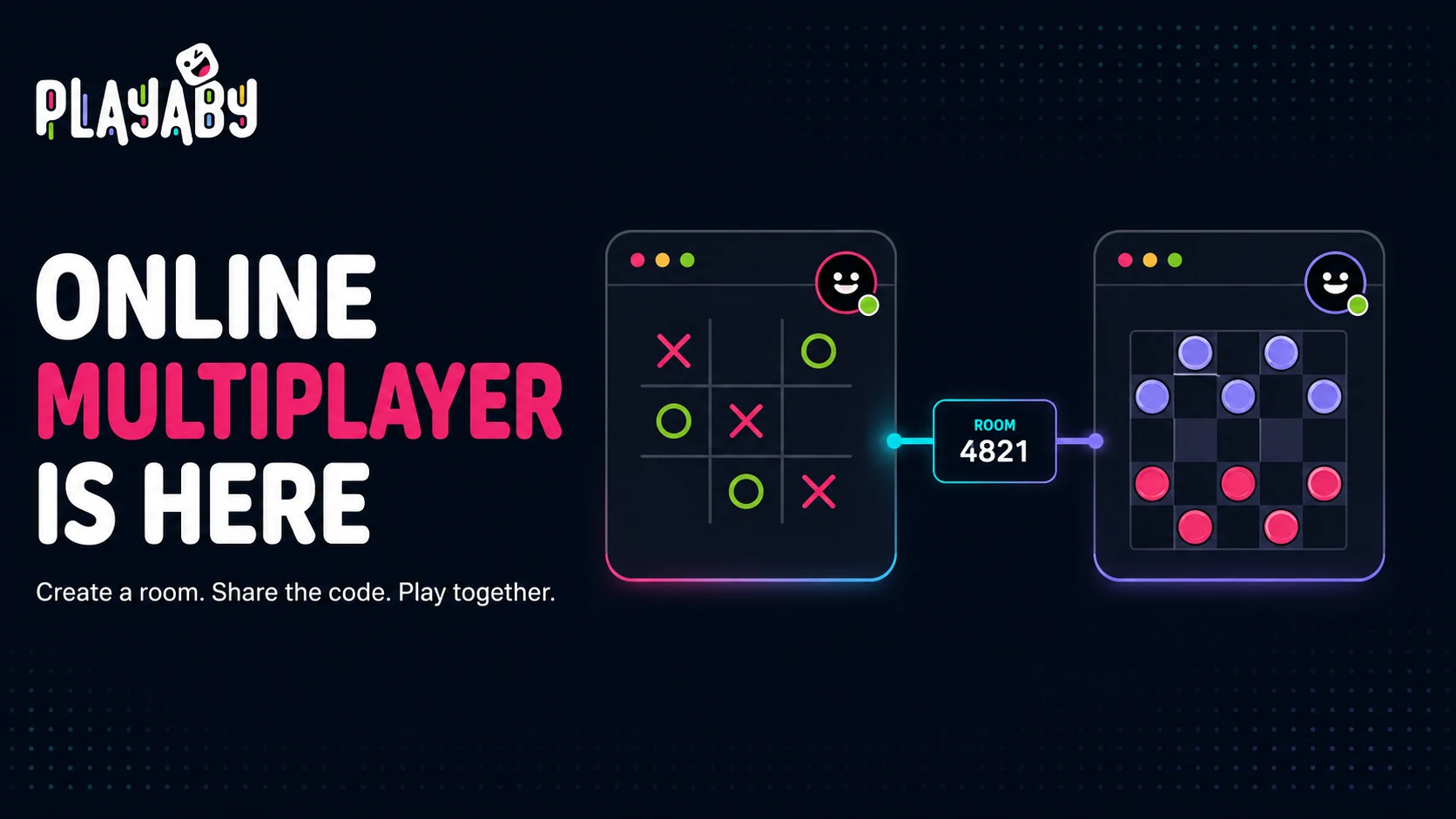
Salas online permitem convidar um amigo em outro aparelho. Crie uma sala, compartilhe link ou código e espere a entrada. Quick Match, quando disponível, prepara um adversário de computador.
| Jogo | Jogadores por sala |
|---|---|
| Tic-Tac-Toe | 2 (um contra o outro) |
| Dots & Boxes | 2 (um contra o outro) |
| Checkers | 2 (um contra o outro) |
| Chip Line | 2 ou 3 |
| Color Cards | 2 a 6 |
Além do número de jogadores, algumas outras coisas foram lançadas junto. Você pode criar uma sala e receber um código curto, ou pular completamente a etapa de ler um código em voz alta e simplesmente enviar um link de convite de um toque. No meio da partida, você pode disparar reações em emoji ao vivo, para que uma boa jogada — ou uma brutal — não fique sem resposta. E tudo isso roda no mesmo modelo de "clicar e jogar" de tudo mais no site: sem conta, sem aplicativo, sem download.
- Abra qualquer um dos cinco jogos acima e escolha "Online" no seletor de modo.
- Digite seu nome — é só para exibição durante a partida, nada é salvo numa conta.
- Clique em "Criar Sala" para receber um código curto, ou digite o código de um amigo em "Entrar na Sala".
- Compartilhe o código do jeito que você normalmente enviaria uma mensagem, ou clique em "Compartilhar link" para enviar algo que a pessoa possa abrir com um toque.
- Assim que seu amigo entrar, a partida começa automaticamente — sem etapa extra de "ficar pronto".
Preciso de uma conta, e isso custa alguma coisa?
Não, nos dois casos. O Playaby nunca teve contas ou logins para nenhum jogo, e o multiplayer online não muda isso — uma sala existe puramente por causa do seu código, então não há perfil, não há lista de amigos, e nenhum e-mail em nenhuma parte do fluxo. Também é completamente gratuito: nenhum nível premium bloqueando o multiplayer, nenhum custo por partida, e nenhum limite de quantas salas você cria. O mesmo modelo gratuito e sustentado por anúncios de tudo mais no site.
Quantos jogadores realmente podem entrar numa sala?
Depende do jogo, como acima: Tic-Tac-Toe, Dots & Boxes e Checkers são estritamente um contra o outro, com 2, Chip Line segue suas próprias regras e permite 2 ou 3, e Color Cards é o mais flexível — escolha de 2 a 6 ao criar a sala, com os jogadores preenchendo os assentos conforme entram. Se todos os assentos já estiverem ocupados quando alguém tentar entrar, essa pessoa é avisada diretamente, em vez de o jogo simplesmente falhar silenciosamente.
O que conferir se a sala não conectar?
Confira o código atual, abra o mesmo jogo nos aparelhos e mantenha a página do anfitrião aberta. Não é preciso usar a mesma rede. Uma falha pode interromper a partida. É possível voltar à CPU; dois jogadores locais só existem nos jogos que oferecem essa opção.
Por que esses cinco jogos primeiro, em vez de tudo de uma vez
Construir multiplayer em tempo real não é algo que escala perfeitamente para todo jogo do site ao mesmo tempo, então os primeiros cinco foram escolhidos deliberadamente, não apenas o que fosse lançado mais rápido. Tic-Tac-Toe, Dots & Boxes e Checkers são todos estritamente baseados em turnos, com um estado de tabuleiro pequeno e totalmente determinístico, o que torna manter dois aparelhos sincronizados relativamente simples — não há física sensível a tempo nem movimento contínuo que precise ficar perfeitamente igual entre duas conexões diferentes. Chip Line e Color Cards adicionaram um problema genuinamente mais difícil em cima disso: informação oculta. Nenhum dos dois jogos consegue simplesmente espelhar o mesmo estado de tabuleiro para todo aparelho do jeito que os três jogos baseados em turnos fazem, já que sua mão de cartas precisa continuar invisível para todo mundo mais na mesa, mas ainda se atualizando corretamente no instante em que você joga a partir dela. Acertar essa camada de estado oculto, sem nunca vazar uma carta para a tela errada, levou mais tempo do que a lógica visível de sincronização de tabuleiro levou para os outros três juntos.
Jogos baseados em reflexo e pesados em física — pense em Paddle Duel ou Rocket Knockout — não foram incluídos nessa primeira leva por um motivo relacionado, mas diferente: um estado contínuo e em movimento rápido é muito mais difícil de manter perfeitamente sincronizado em tempo real entre duas conexões de internet separadas do que um turno que só muda a cada alguns segundos. Isso não é um não definitivo, só um problema de engenharia genuinamente diferente e mais difícil do que os cinco jogos lançados aqui, e um que vale a pena resolver direito, em vez de lançar pela metade.
Escolha qualquer um dos cinco jogos, selecione Online, e envie o código a um amigo. Todo o propósito de construir isso sem contas ou downloads foi fazer com que começar uma partida levasse menos tempo do que explicar as regras.